 Get Started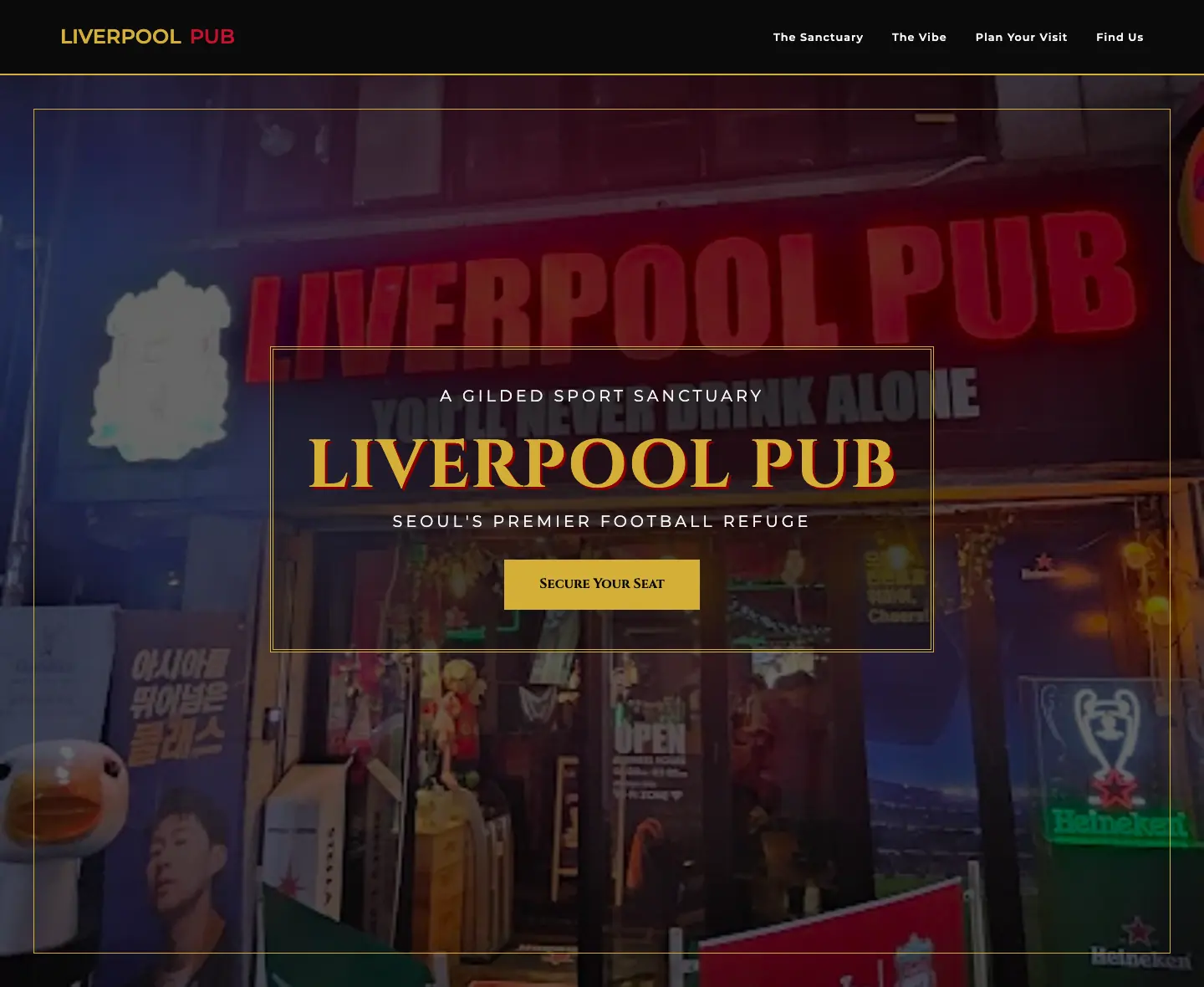
Liverpool Pub
liverpool-pub.porta.page/
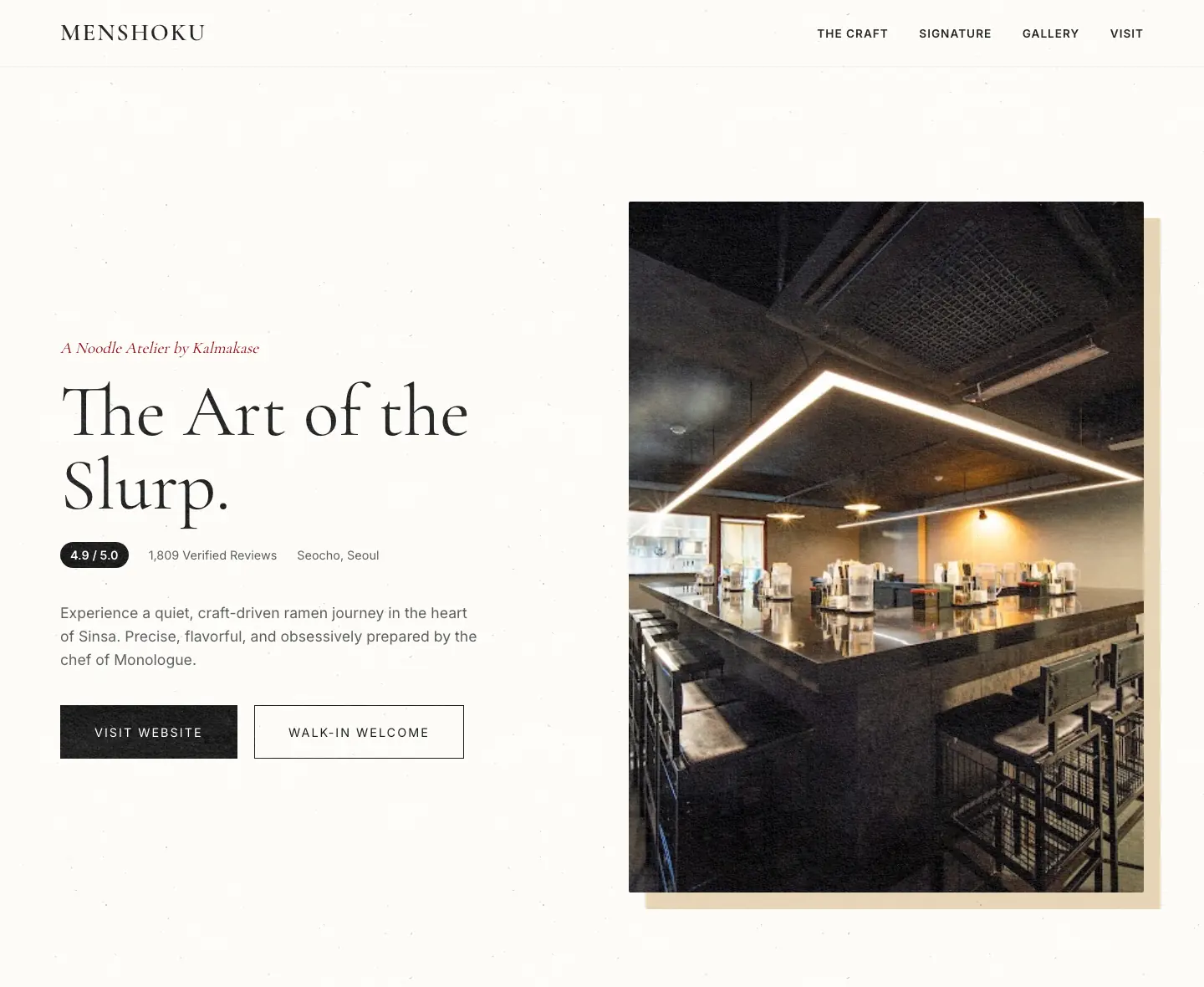
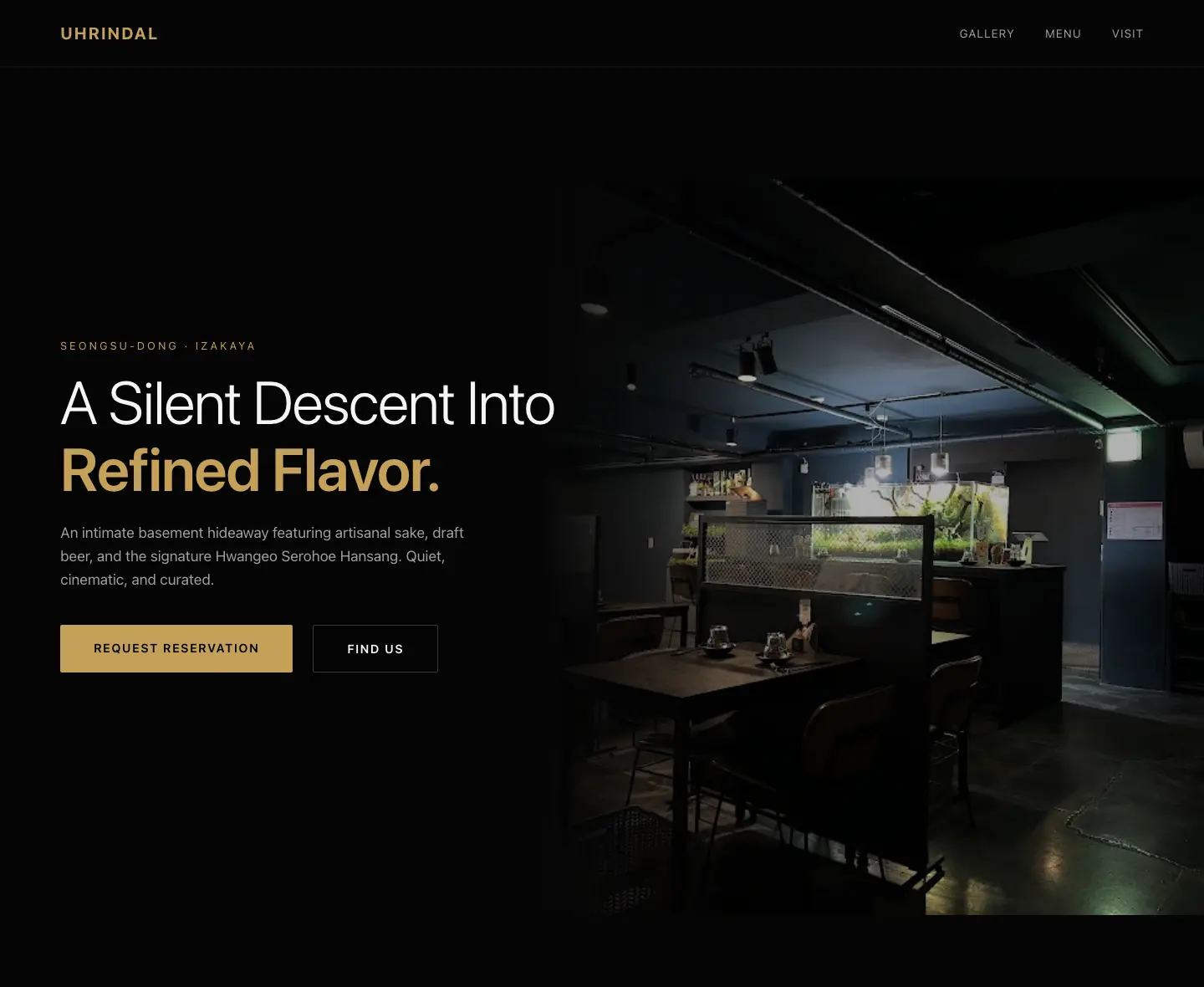
See real store landing pages built and published with Porta.
Give customers a clearer place to understand your store.
Reviews, photos, and location data help, but they do not give customers one clear page for understanding your store.
Custom page work often costs more time and money than small teams can spare.
Without structured sections, metadata, and crawlable copy, local search traffic is easy to miss.
Use the information already on Google Maps and turn it into a page you can publish.
Generate crawlable sections, metadata, and content blocks built for local search intent.
Turn reviews and listing details into sharper positioning, proof points, and page sections.
Pick a direction yourself or let the system choose a style that fits your business.
Track visits and interactions so you can improve the copy and CTAs that drive clicks.
Porta handles the next steps.
Start with the listing URL copied from Google Maps.
Porta fetches the listing data and drafts copy, page sections, and supporting content.
Review the draft, confirm the subdomain, and publish to a live Porta URL.
Start free for 14 days. Keep each store page live for $4.99 per month.
Core
Need a specific answer?
The landing page highlights the latest posts while the blog handles search, categories, and full articles.